Intel LGA1851 Explained: H810 vs B860 vs Z890 for Workstations, Security Systems, and Small Business
A practical guide to Intel LGA1851 and 800-series chipsets, including H810, B860, Z890, Q870, and W880, with real-world advice for office PCs, workstations, and Chicago security system deployments.
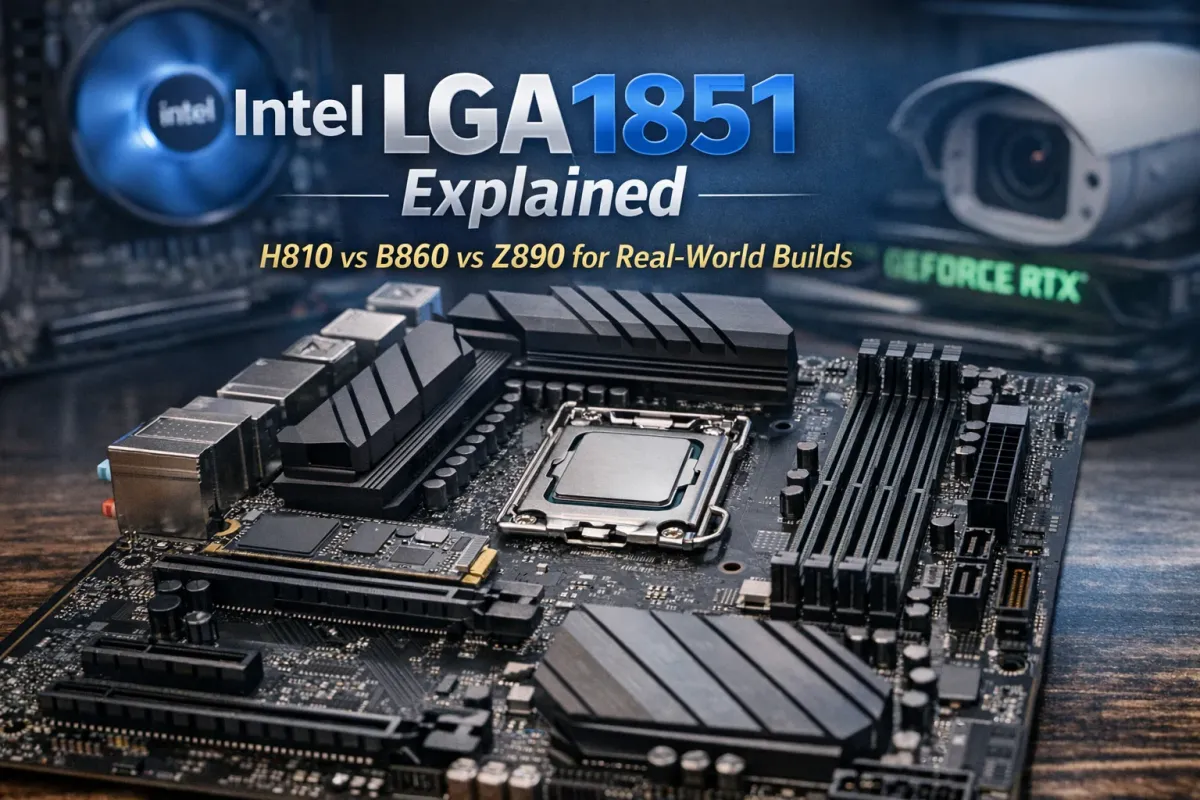
If you are building a new desktop in 2026, Intel’s LGA1851 platform is the current mainstream desktop socket for Intel Core Ultra Desktop Processors (Series 2). It replaces LGA1700 for this generation. The confusing part is that while many LGA1700 coolers remain mechanically compatible with LGA1851, the processors and motherboards themselves are not cross-compatible between the two sockets. Intel also ties LGA1851 to its newer 800-series desktop chipsets.
For most buyers, the real question is not just “What is LGA1851?” but which chipset makes the most sense. Intel’s main options on this platform are H810, B860, Z890, Q870, and W880. The right answer depends on whether you are building a budget office PC, a balanced workstation, a high-end enthusiast machine, or a business desktop that may later be used for video surveillance review, access control software, CAD, exports, and day-to-day office work.
What LGA1851 changes in practice
LGA1851 is designed for Intel Core Ultra desktop chips and the Intel 800-series platform. Intel’s official platform brief also notes up to DDR5-6400 MT/s support in a 1DPC configuration, while the 800-series chipset family is built around more modern connectivity, PCIe expansion, and next-generation desktop I/O.
In simple terms, LGA1851 is not just “a new socket.” It is Intel’s newer desktop foundation for people who want a more current platform for DDR5, PCIe 5.0 GPU lanes, additional NVMe flexibility, and newer motherboard features. That matters if you are planning a PC that should stay relevant for several years, especially for business or workstation use.
The LGA1851 chipset lineup
Below is the practical view of the 800-series desktop chipsets most people will run into.
| Chipset | Best fit | Key strengths | Main limitation |
|---|---|---|---|
| H810 | Budget office or basic home PC | Lowest-cost entry to LGA1851 | Very limited expansion, no memory overclocking |
| B860 | Best all-around choice | Good I/O, memory overclocking, balanced PCIe | Not for serious CPU overclocking |
| Z890 | Enthusiast and high-end creator PC | Full CPU/BCLK/memory overclocking, maximum flexibility | Higher board cost |
| Q870 | Managed business desktop | Strong I/O, RAID, manageability features | Not an enthusiast board |
| W880 | Entry workstation | ECC support, strong I/O, workstation-friendly feature set | Usually costs more and is niche |
This summary is based on Intel’s 800-series chipset brief and Intel ARK specifications for H810, B860, Z890, Q870, and W880.
Quick comparison table
| Feature | H810 | B860 | Z890 | Q870 | W880 |
|---|---|---|---|---|---|
| DMI lanes | 4 | 4 | 8 | 8 | 8 |
| Chipset PCIe 4.0 lanes | 8 | 14 | 24 | 20 | 24 |
| Max SATA ports | 4 | 4 | 8 | 8 | 8 |
| USB 2.0 ports | 10 | 12 | 14 | 14 | 14 |
| Memory overclocking | No | Yes | Yes | No | Yes |
| CPU overclocking | No | No | Yes | No | No |
| ECC support | No | No | No | No | Yes |
| CPU PCIe config | 1x16 | 1x16 + 1x4 | 1x16 + 1x4 / 2x8 + 1x4 / 1x8 + 3x4 + PCIe 4.0 x4 | 1x16 + 1x4 / 2x8 + 1x4 / 1x8 + 3x4 + PCIe 4.0 x4 | 1x16 + 1x4 / 2x8 + 1x4 / 1x8 + 3x4 + PCIe 4.0 x4 |
| RAID | No | SATA RAID | PCIe + SATA RAID | PCIe + SATA RAID | PCIe + SATA RAID |
Intel’s own specs make the segmentation very clear: H810 is stripped down, B860 is balanced, Z890 is the full-featured enthusiast platform, Q870 adds business-oriented features, and W880 is the workstation-friendly option with ECC support.
H810: only if the budget is the priority
H810 is the entry-level chipset. Intel lists 4 DMI lanes, 8 chipset PCIe 4.0 lanes, 4 SATA ports, 10 USB 2.0 ports, one DIMM per channel, no memory overclocking, no RAID, and only a CPU-side PCIe 5.0 x16 configuration. That makes it usable for a basic office machine, front-desk PC, reception computer, or very simple home build.
The downside is obvious: expansion is limited. If you later want more NVMe drives, additional capture cards, faster networking, or more flexible motherboard layouts, H810 becomes restrictive quickly. For that reason, it is usually not the best choice for a business PC that may grow into something more demanding.
B860: the best value for most people
For most users, B860 is the sweet spot. Intel gives it 4 DMI lanes, 14 chipset PCIe 4.0 lanes, 12 USB 2.0 ports, 4 SATA ports, 2 DIMMs per channel, memory overclocking support, and CPU PCIe 5.0 in a 1x16 + 1x4 layout. In real-world terms, that is enough for a modern GPU plus one fast CPU-connected NVMe SSD, while still leaving decent motherboard flexibility for storage and peripherals.
This is the chipset I would recommend for most home users, most small business desktops, and many practical workstations. If you run a security systems company in Chicago and need a dependable desktop for quoting, remote access, browser tabs, light video export, camera review, access control software, and general office work, B860 is usually the smartest buy. It gives you enough platform features without paying the premium for enthusiast overclocking you may never use.
Z890: best for high-end builds and enthusiasts
Z890 is Intel’s top mainstream desktop chipset for the platform. Intel lists 8 DMI lanes, up to 24 chipset PCIe 4.0 lanes, up to 8 SATA ports, 14 USB 2.0 ports, support for IA, BCLK, and memory overclocking, plus more flexible CPU PCIe lane splits including 1x16 + 1x4, 2x8 + 1x4, and 1x8 + 3x4, with an additional PCIe 4.0 x4 CPU configuration. It also supports both PCIe RAID and SATA RAID.
If you are building a serious workstation for video editing, heavier rendering, multiple NVMe drives, advanced add-in cards, or just want the most capable consumer motherboard platform, Z890 is the right answer. It also makes sense if you specifically plan to buy an unlocked processor and want full tuning options.
For a typical office or even many business desktops, though, Z890 is often more platform than you need. It is the best board family for people who know why they need it.
Q870: business and fleet management focus
Q870 is less exciting for enthusiasts, but it is very relevant for business deployments. Intel lists 8 DMI lanes, 20 chipset PCIe 4.0 lanes, 8 SATA ports, 14 USB 2.0 ports, PCIe and SATA RAID support, and the same advanced CPU PCIe lane configurations seen on higher-end boards. Intel also marks it with Intel Standard Manageability and Intel Stable IT Platform Program (SIPP) support.
That makes Q870 a sensible choice for managed office fleets, business desktops, or environments where consistency, support policy, and long-term administrative control matter more than overclocking. For a property management office, control room desk, or admin workstation in a commercial environment, Q870 can make more sense than a flashy gamer board.
W880: the practical workstation option
W880 is the workstation-flavored option in the LGA1851 family. Intel lists ECC memory support, 8 DMI lanes, 24 chipset PCIe 4.0 lanes, 8 SATA ports, 14 USB 2.0 ports, PCIe and SATA RAID, and Intel Standard Manageability plus SIPP support. It also supports memory overclocking, but not CPU overclocking in the same way Z890 does.
If you are building a more serious desktop for engineering, media work, or a workstation that you want to feel more conservative and stable over time, W880 is extremely appealing. For some small businesses, integrators, and technical teams, ECC support alone is the biggest reason to choose it.
Which LGA1851 chipset should you actually buy?
Here is the practical answer:
- Buy H810 only for a low-cost office or basic-purpose machine.
- Buy B860 for the best overall balance of price, features, and future flexibility.
- Buy Z890 if you want an enthusiast board, more expansion, and CPU overclocking.
- Buy Q870 for a managed business desktop environment.
- Buy W880 if you specifically want an entry workstation platform with ECC support.
For most readers, B860 is the safest recommendation. It is the chipset that gives you the modern platform advantages of LGA1851 without paying extra for features that many users never touch. For a Chicago-area business, security systems office, CCTV review station, or all-purpose desktop that also needs to stay relevant for several years, B860 is usually the best mix of sanity and value.
If, however, you are planning a more specialized machine for heavier exports, more PCIe devices, advanced storage layouts, or workstation-grade stability, then Z890 or W880 becomes much easier to justify. Z890 is the enthusiast answer; W880 is the disciplined workstation answer.
Why this matters for security systems and small business in Chicago
A lot of “PC build” advice online is written for gaming only. But many real businesses in Chicago, especially in security systems, access control, video surveillance, networking, and property operations, need something different. They need a desktop that can handle browser-heavy work, documentation, remote support sessions, camera exports, occasional VMS playback, and general reliability without becoming overpriced or overly specialized. That is exactly where B860 often wins. Its platform feature set is modern enough for a professional business desktop, while Z890 is better reserved for heavier creator or enthusiast workflows, and W880 for more workstation-oriented needs.
If your work touches security cameras, access control, intercoms, or office networking in Chicago, Schaumburg, Northbrook, or the North Shore, it makes sense to think in terms of reliability, expansion, and lifecycle rather than gaming branding alone. A well-chosen chipset saves money up front and avoids frustrating limits later. That is the real value of understanding LGA1851 properly.
Final recommendation
If you want the short version, here it is:
B860 is the best choice for most people.
Z890 is the best choice for enthusiasts and high-end creator desktops.
W880 is the best choice for an entry workstation if ECC matters.
Q870 is a business platform choice.
H810 is only for entry-level systems.
Comments ()