Best Intel LGA1851 CPUs for Security Servers
Choosing the right Intel LGA1851 CPU for a security system is not about gaming performance. This guide compares the best practical processors for Hanwha WAVE servers, Paxton Net2 systems, and front desk workstations, with a focus on integrated graphics
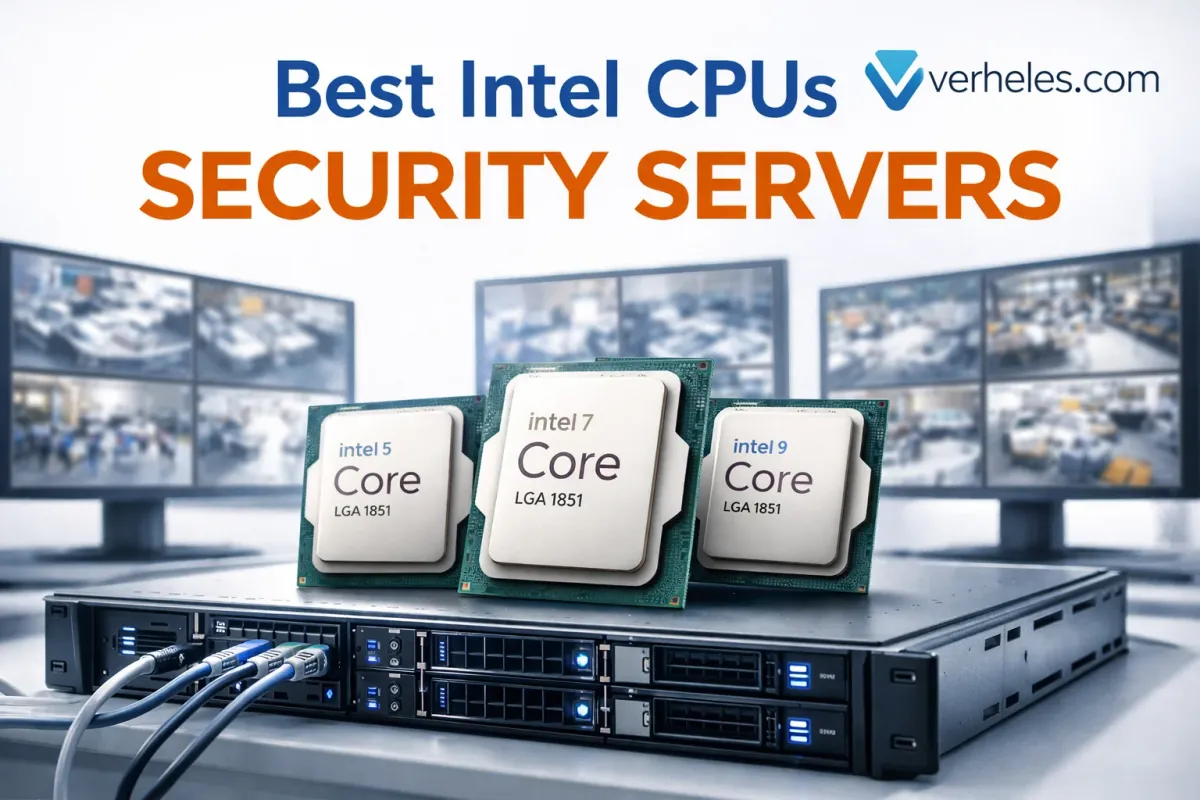
If you are building a new PC or server for a security system in 2026, the most important CPU question is not “Which Intel chip is the fastest?” It is “Which Intel chip is stable, practical, and appropriate for the actual job?”
For Hanwha WAVE, Paxton Net2, front desk workstations, and small-to-mid-size video servers, the best choice is usually not an overclocking model and definitely not a chip without integrated graphics. Hanwha’s published WAVE guidance is relatively modest on minimum CPU requirements, while Paxton’s current Windows 11 24H2 guidance only requires a 64-bit CPU with 4 cores / 4 threads and TPM 2.0. This means many mainstream Intel desktop CPUs are already more than capable.
However, CPU choice still has a massive impact on how pleasant the system is to build, own, and maintain.
The LGA1851 CPUs Worth Considering
For real-world security deployments, I intentionally ignore gaming-focused and overclocking-focused parts. The mainstream non-K CPUs are almost always the smartest option. It is also worth noting that the Intel Core Ultra 200S (LGA1851) platform exclusively uses DDR5 memory. For video surveillance servers, this is a significant advantage, providing the increased memory bandwidth needed when handling multiple high-resolution camera streams.
For most security-system installations, these are the CPUs worth paying attention to:
- Intel Core Ultra 5: 225, 235, 245
- Intel Core Ultra 7: 265
- Intel Core Ultra 9: 285
- Selected T-variants: 225T, 235T, 245T, 265T, 285T (where lower heat and power draw matter more than peak performance).
Why Integrated Graphics Are a Massive Advantage (And Why F/K Models Don’t Belong Here)
In a gaming PC, using a dedicated graphics card is normal. In a security server or front desk workstation, F and KF models (which lack integrated graphics) should be avoided entirely. Likewise, K models are designed around unlocked tuning and enthusiast positioning, which usually means more heat, more complexity, and less practical value in a server rack.
Integrated graphics are critical for several reasons:
1. Intel Quick Sync Video (Hardware Decoding)
Modern Intel iGPUs include Intel Quick Sync Video. For systems like Hanwha WAVE, Quick Sync provides hardware-accelerated decoding for H.264 and H.265 video streams. This means a front desk PC can display a heavy 16-camera live grid smoothly without maxing out the CPU usage. Software decoding on a CPU without Quick Sync will quickly bring a workstation to its knees.
2. Simpler, Cooler, and Cleaner Builds
An iGPU means you do not need a dedicated graphics card just to get video output. This results in:
- Direct monitor connection for local setup and troubleshooting.
- Less heat inside the chassis.
- Lower power draw.
- One less physical component to fail.
- Much easier integration into a properly cooled 19-inch rack chassis where rear I/O space is limited.
Practical Recommendations by Use Case
Front Desk & Admin Workstation
For a front desk system, you want a machine that feels fast, stays quiet, and runs reliably for years without generating excess heat under the desk.
- Core Ultra 5 225: A very sensible entry point. It is a strong fit for Paxton Net2 administration, browsers, email, and light live-view monitoring.
- Core Ultra 5 235: The better choice when the front desk PC is expected to do more at once. If the machine will run Net2, multiple remote sessions, and heavier monitoring software simultaneously, the 235 gives you more comfort and room to grow.
- Core Ultra 5 245: A strong “buy it once and keep it for years” option for an admin workstation that needs to feel highly responsive under heavy multitasking.
Dedicated Paxton Net2 Server
Paxton Net2 does not require an extreme processor. System design, SSD quality, backup strategy, and power reliability matter more than chasing a flagship CPU.
- Core Ultra 5 235 or 245: A great balance for a dedicated access-control server. It provides plenty of headroom for Net2, remote administration, light integrations, and database backups. There is usually no need to spend Ultra 7 or Ultra 9 money on a dedicated Net2 machine.
Hanwha WAVE Video Servers
Hanwha WAVE can run on modest hardware, but once camera counts rise, client sessions increase, and the server has to stay responsive under heavy read/write loads, CPU headroom becomes highly valuable.
- Core Ultra 7 265 (The Sweet Spot): My favorite general-purpose CPU for a serious Hanwha WAVE server. It gives you a much healthier performance cushion than an Ultra 5 while staying in the mainstream, business-friendly thermal range. For most multi-camera deployments, this is the most balanced choice.
- Core Ultra 9 285 (For Heavy Workloads): The option for larger camera counts, heavy playback expectations, and high simultaneous client activity. However, an Ultra 9 should be chosen for a real reason. In many deployments, your budget is better spent on more RAM, better NVMe storage, a cleaner rack-mount chassis, or an upgraded UPS.
What about T-Series CPUs?
Intel’s T-series (like the 245T or 265T) are attractive when lower power and lower heat matter more than peak performance. They are great for quiet front desk PCs, compact admin systems, or thermally limited enclosures. However, if you are building a proper Hanwha server in a 19-inch rack with good airflow, stick to the regular non-K models.
The Bottom Line
| Target Environment | Recommended CPU | Why it makes sense |
| Front Desk / Admin PC | Core Ultra 5 225 or 235 | Quiet, responsive for Net2, office apps, and light video monitoring. |
| Small Paxton Net2 Server | Core Ultra 5 235 or 245 | Plenty of headroom for access control without wasting budget. |
| Mid-Size Hanwha Server | Core Ultra 7 265 | The sweet spot. Excellent core count and Quick Sync capability for video loads. |
| Large Hanwha Server | Core Ultra 9 285 | Maximum headroom for high camera counts and heavy client activity. |
My simple rule for security-system builds: Choose a mainstream non-K Intel CPU with integrated graphics. You will get easier troubleshooting, less heat, fewer unnecessary parts, and better long-term reliability in the field.
Choosing the right CPU is only the first step. Building a system that actually runs reliably in a production environment requires the right storage architecture, proper cooling, and clean physical integration.
If you are in the Chicago area and need to upgrade an aging system, deploy a new Hanwha WAVE video server, or build out a complete, professional-grade security infrastructure, Vidimost is here to help. We don't just pick parts—we design, build, and support systems that work exactly the way they should.
Comments ()