Paxton Solo Review: Smartphone Access Control That Actually Makes Sense
Paxton's new Solo system puts smartphone-only access control in reach for small offices and garages. We unbox it, test it, and tell you what works — and what doesn't.
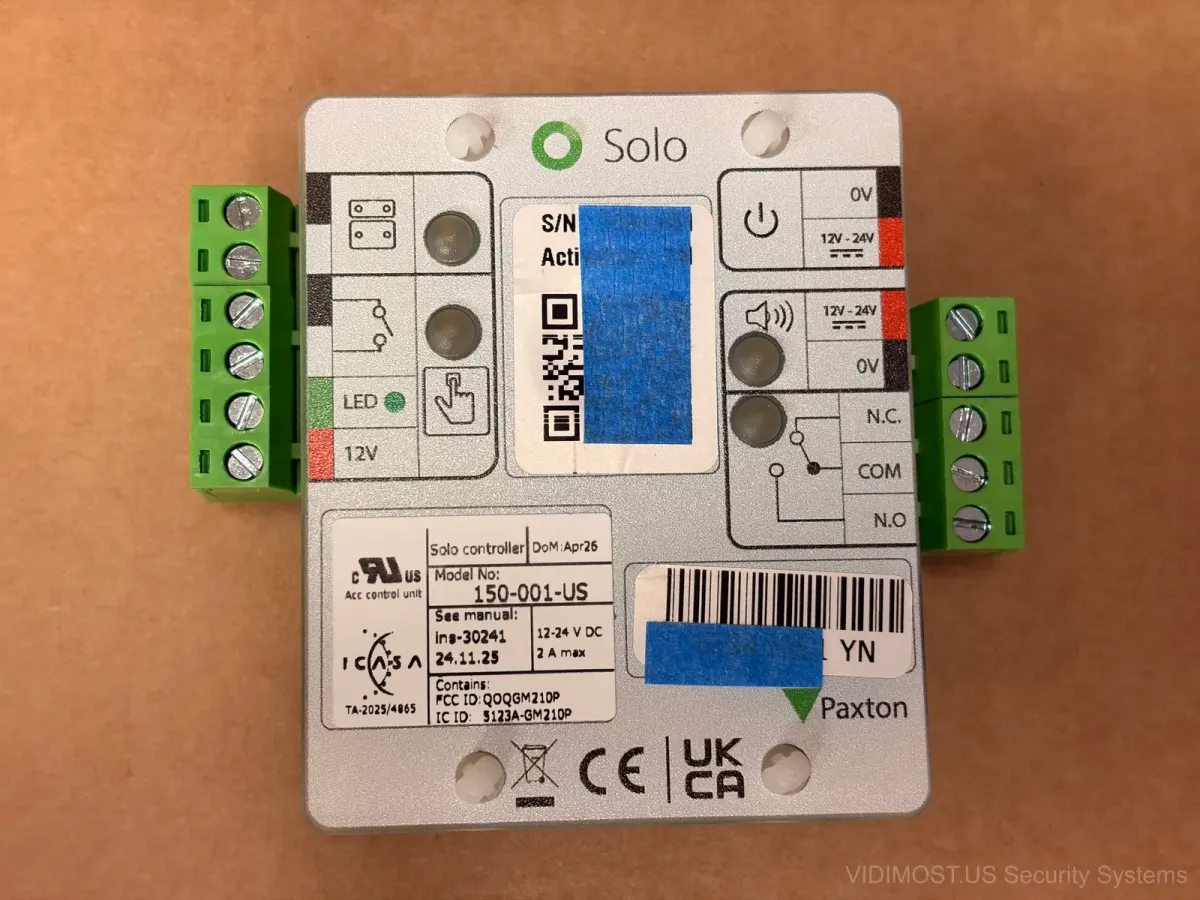
The Paxton Solo landed on my desk yesterday — literally a small cardboard box with a controller, an NFC tag, a quick-start sheet, and a plug-in power supply. Thats it. No rack mount panel, no server, no license dongles. I've been installing Paxton Net2 systems across Chicago for years now, and Solo feels like Paxton finally said "what if we just made the simple version actually simple."
If you run a small office on the North Side, have a garage in your building, or just want one door locked and managed from your phone — this thing might be exactly what you need. We've been testing it at the Vidimost office for a few days and I have thoughts.
What's in the Box
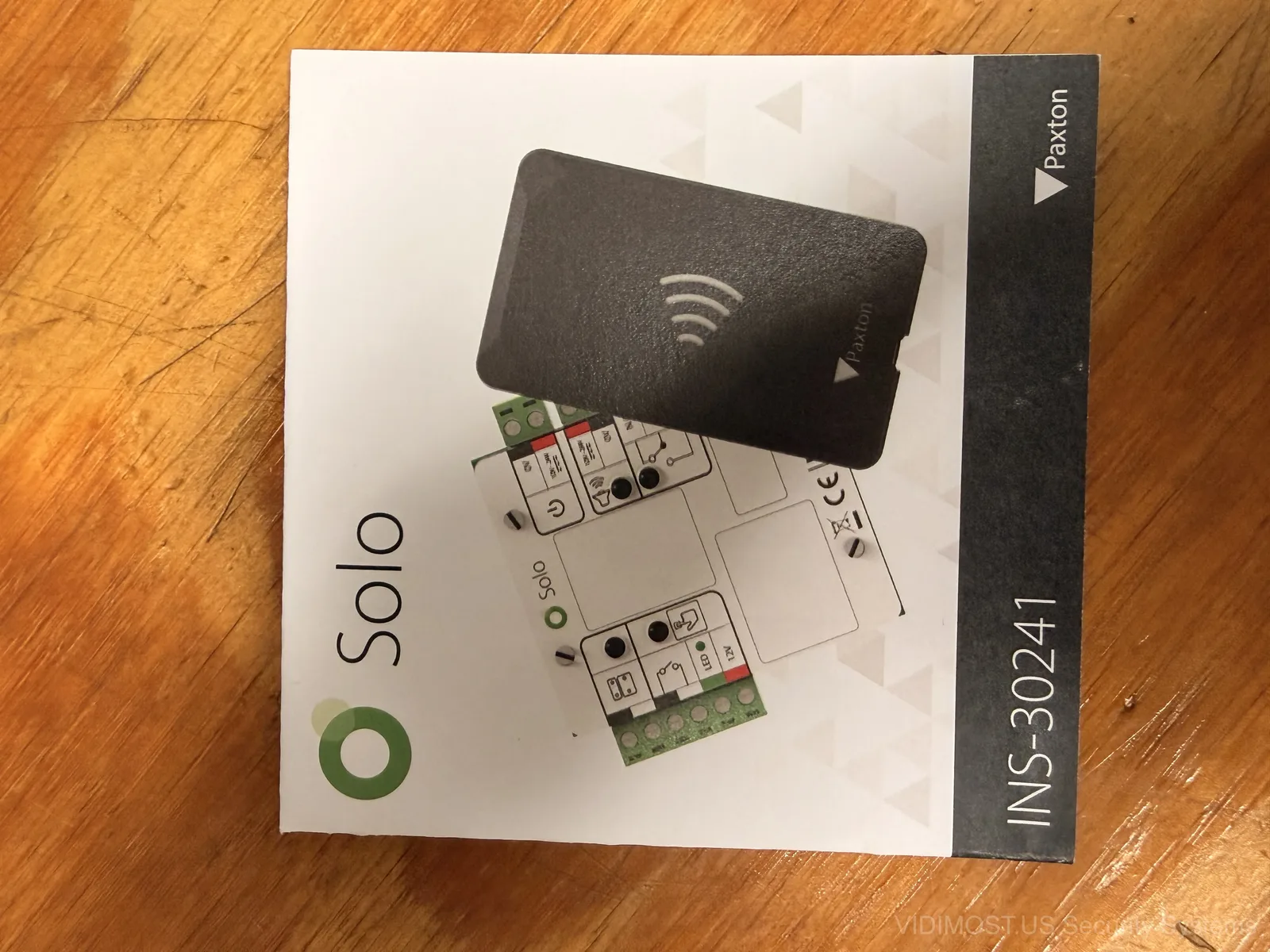
The kit is almost comically minimal. You get:
- Solo Controller (model 150-040-US) — the brain that talks to your lock
- Solo Tag — a passive NFC reader you stick next to your door
- 12V plug-in power adapter — yes, included, which is a nice touch
- Quick-start guide with a QR code to download the app
No Ethernet cable. No Cat5 pull. No software CD (remember those?). The whole point is that your phone does everything — setup, management, credentials, the works.
The Controller: Clean and Compact
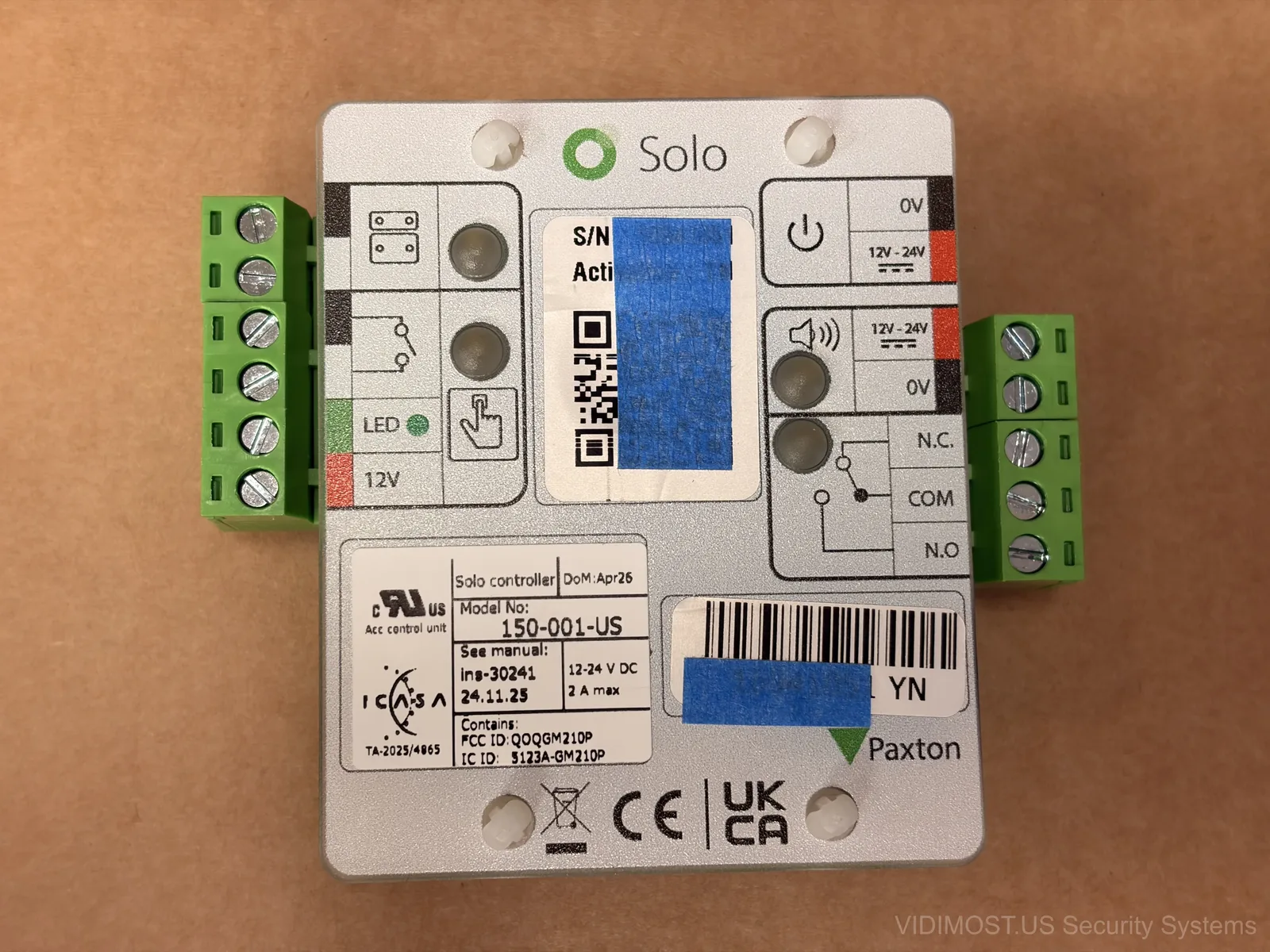
The controller board is small — roughly the size of a deck of cards. Terminal blocks on both sides for power (12V or 24V, it accepts both), relay output (N.O. and N.C. contacts), alarm input, door contact sensor, and an LED output. Standard access control wiring that any installer in Chicago would recognise.
The relay can drive an electric strike or a mag lock — so it works with pretty much any door hardware you'd find in a typical condo or small office around here. Nothing proprietary about the locking side.
One thing I really appreciate — the included plug-in power supply. Most access control systems ship without a PSU and expect your electrican to wire up a separate 12V supply. Solo comes ready to plug in. It makes the install feel more like a DIY kit for someone who knows basic wiring.
The Solo Tag: No Batteries, No Wires, Pure NFC Magic
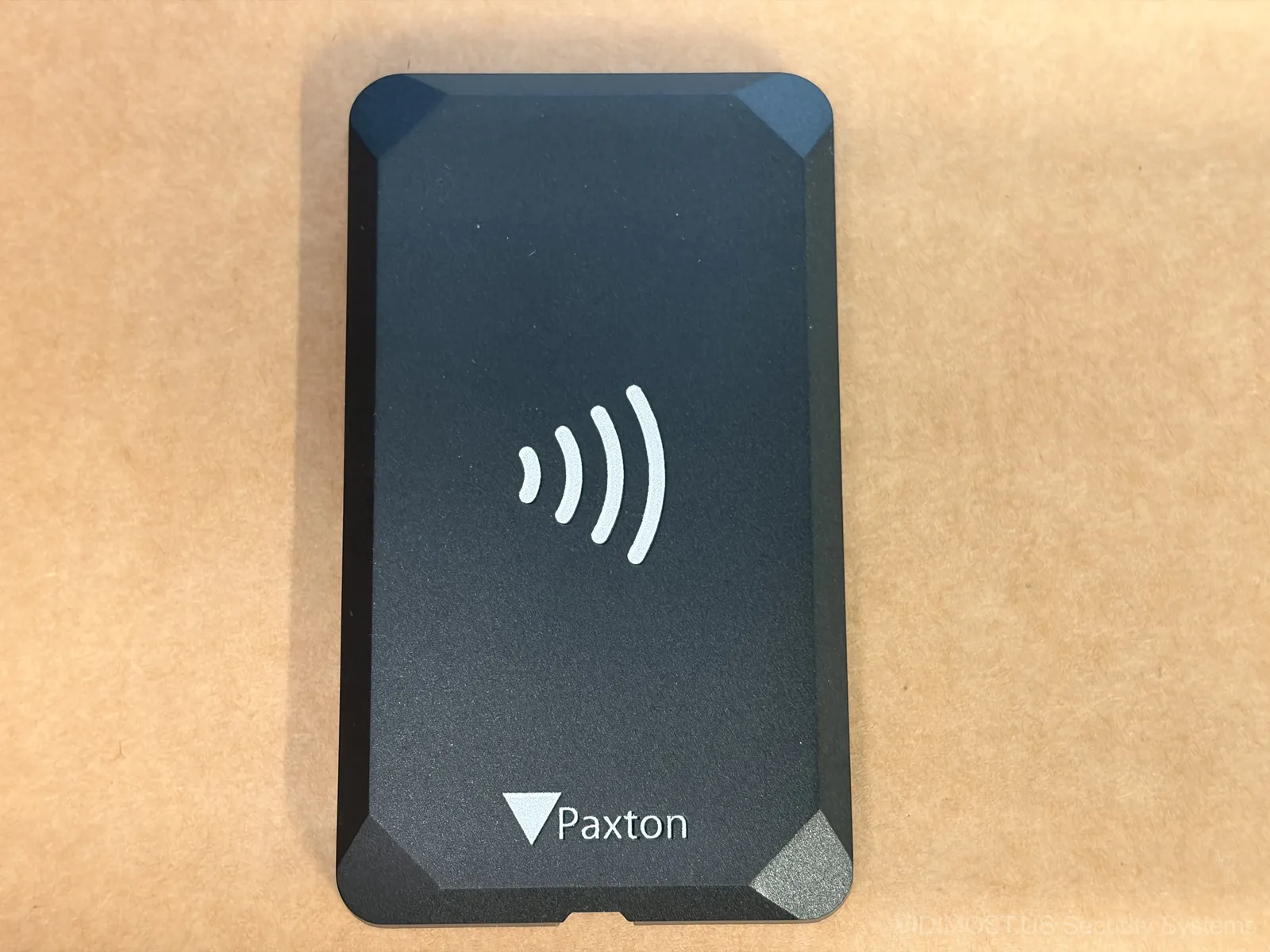
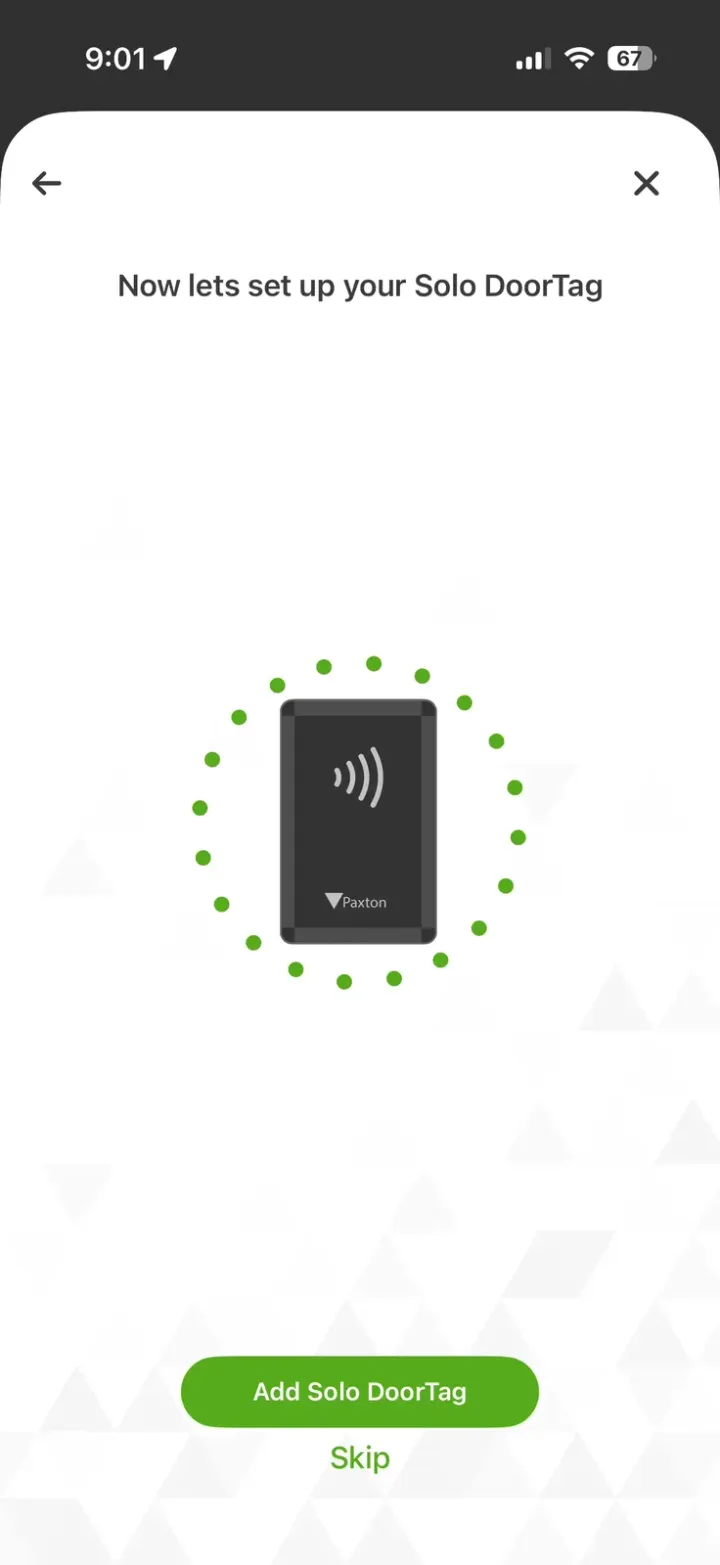
This is the part that blows my mind every time. The Solo Tag is a flat, credit-card-sized piece of plastic with an NFC symbol on it. You mount it on the wall next to your door with adhesive or screws. No wires run to it. No battery inside it. Nothing.
Your phone powers it. When you tap your phone against the tag, the NFC field from your phone energizes the tag just enough to transmit an encrypted credential to your phone. Your phone then connects to the controller via Bluetooth and says "hey, let me in." The controller fires the relay and your door unlocks.
If you've ever tapped a credit card at a payment terminal — same concept, just in reverse. The tag is the "terminal" and your phone is the "card." Except the tag doesn't need power because your phone provides it through the NFC field. Honestly kinda genius.
How It Actually Works Day-to-Day
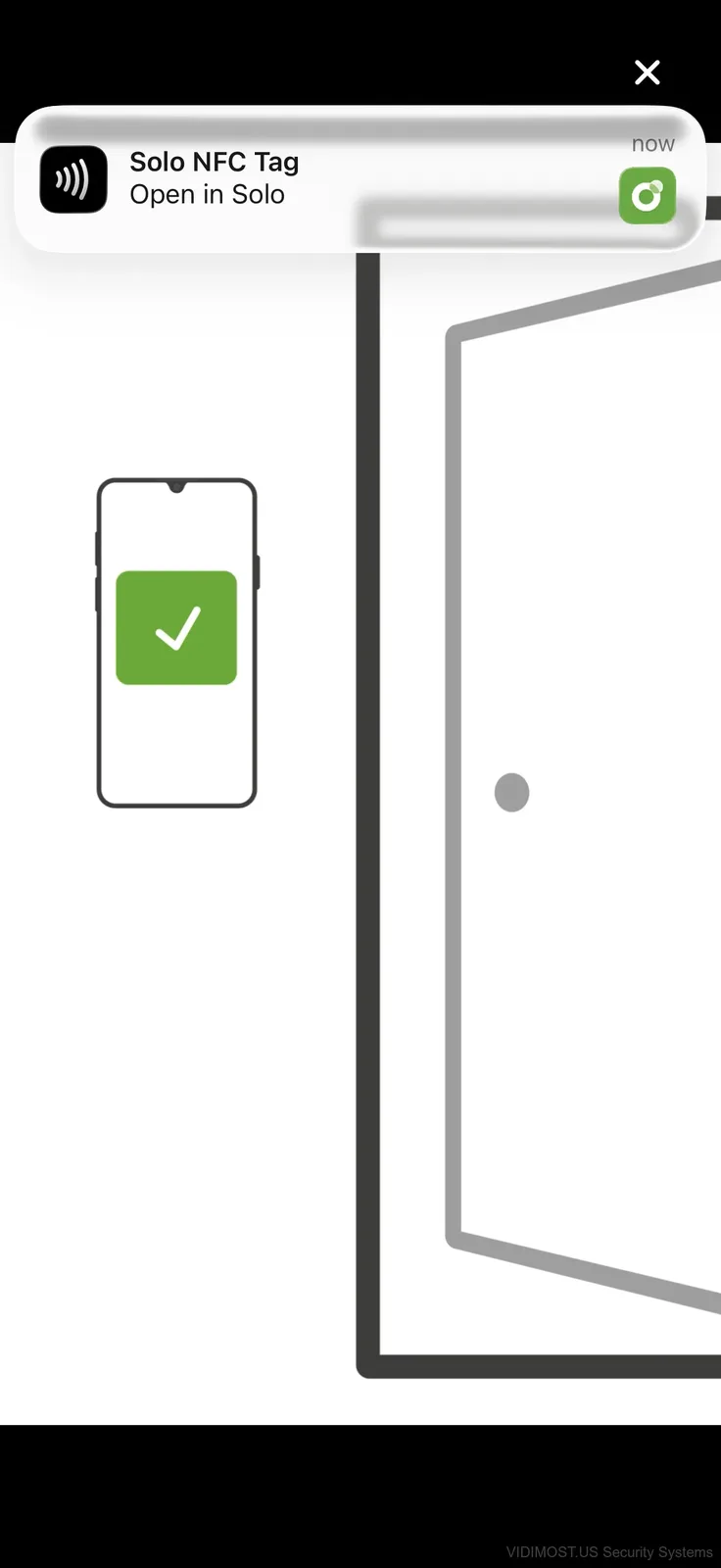
The daily flow is dead simple. Walk up to your door, pull out your phone, tap it on the tag. Your phone buzzes, shows a green checkmark, and you hear the lock click open. Takes maybe 2 seconds.
Behind the scenes your phone talks to Paxton's cloud server to sync credentials and schedules. But heres the key — the actual door unlock happens over Bluetooth between your phone and the controller. So even if your internet is down, you can still get in. The cloud piece is for managment and adding users, not for the critical "open the door" part.
This matters in Chicago where Comcast goes out more often than we'd like to admit. Your doors keep working regardless.
Pricing: Surprisingly Affordable
Let's talk numbers because this is where Solo gets interesting:
- Solo Controller — $100 MSRP (model 150-040-US)
- Solo Controller with plastic housing — $125
- Solo Tag (NFC reader) — $30 MSRP
So for about $130-155 you have a complete, smartphone-controlled access control system for one door. Compare that to a basic Brivo setup or even a standalone keypad lock and Solo is very competitively priced.
There is a subscription component — the system uses tokens. Each door costs 6 tokens per month, and you can buy tokens in bulk for a discount. This covers the cloud sync, user management, and audit trail. If you're used to monthly fees from cloud access platforms, this is on the cheaper end.
What I Like
- Dead simple setup — had it running in under 20 minutes
- No internet needed for unlocking — Bluetooth handles it locally
- Included power supply — almost unheard of in commercial access control
- The NFC tag needs zero maintenance — no batteries to change, ever
- Very affordable entry point for a professional-grade system
- Clean, modern aesthetic — looks great on any door frame
- Token pricing is transparent and reasonable
What Could Be Better
- Phone-only — no key fobs, no cards, no PIN code backup. If your phone is dead, you're locked out
- No visible LED on the tag itself — users are used to seeing red/green lights on readers, here you only get feedback on your phone screen
- Bluetooth range limits where you can mount the controller — too far from the door and the phone won't reach it
- Single-door system — not designed to scale beyond small deployments
The phone-only thing is probably the biggest limitation for most people. In an HOA or condo building where residents might forget their phone or run out of battery, thats a real concern. For a small office where everyones tech-savy? Probably fine.
Who Is This For?
Solo is built for small, owner-managed spaces:
- Home offices and studios
- Small retail shops
- Private garages and storage rooms
- Side entrances and back doors
- Supplement to an existing intercom or access system
Think of it as the Ring doorbell of access control — consumer-friendly pricing, smartphone-first design, minimal installation. But unlike Ring, it uses a proper relay output and works with commercial-grade electric locks.
If you need something bigger — multiple doors, elevator control, visitor management — you're looking at Paxton Net2 or a cloud platform like Brivo. Solo isn't trying to compete with those. Its filling a gap that didnt have a good solution before.
Our Verdict So Far
We're still testing Solo at our Chicago office and plan to run it for at least a month before we make any final calls. But first impressions are strong. The hardware is solid, the setup is genuinely easy, and the NFC tag technology is clever engineering. The price point makes it accessible to people who would never consider traditional access control.
If Paxton adds fob or PIN support down the road, this could be a game changer for the small-business market in Chicago and beyond.
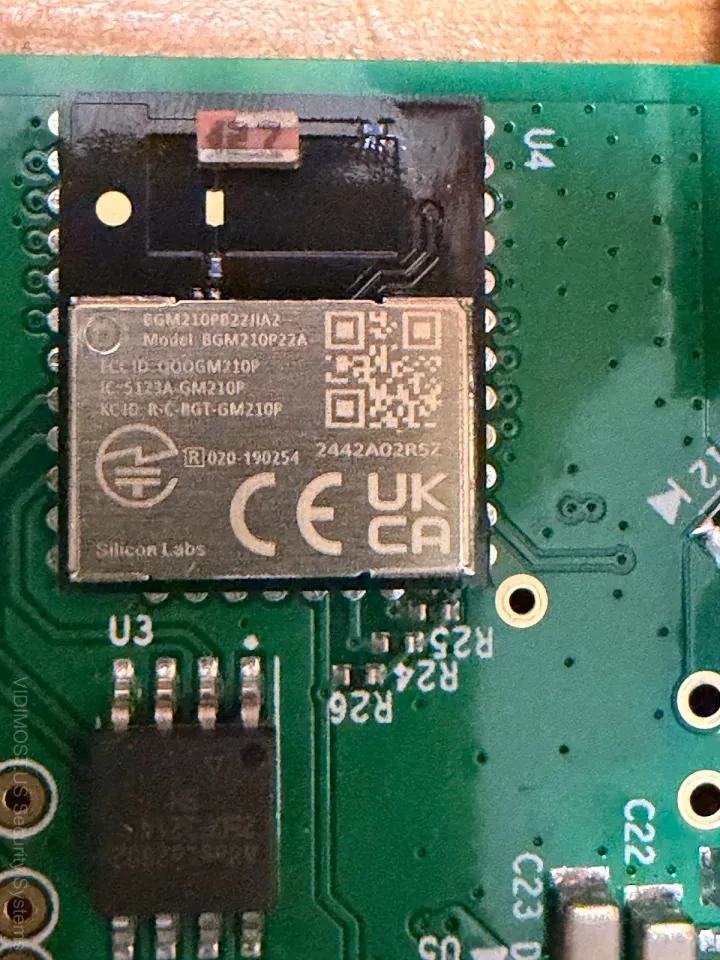
Stay tuned — I'll be posting a detailed technical teardown of whats inside the controller and how the NFC magic actually works at the component level.
Need help choosing an access control system for your Chicago property? We install and support Paxton, Brivo, and other leading platforms across Chicagoland.
Comments ()