7 Linux Network Tools I Actually Use to Find Every Device on a Job Site
Nmap, Masscan, arp-scan, bettercap, p0f, NetworkMiner and snmp-check. How I use them on security system jobs in Chicago, with simple commands you can copy.
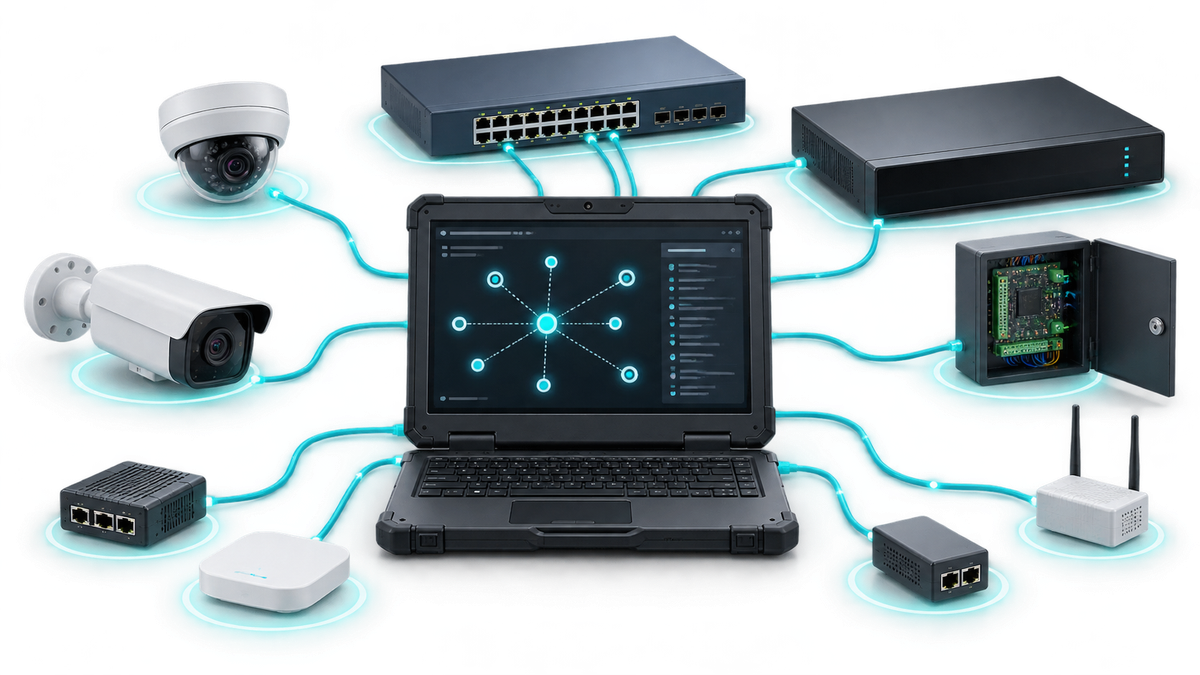
You can not fix a network you can not see. I learned that the hard way.
I do access control and cameras around Chicago. Half my service calls start the same way. Nobody knows what IP the NVR has. Nobody knows who installed the switch in the closet. The last guy left no notes. So before I touch anything, I map the network.
Here are the 7 tools I keep on my laptop. All of them are free. Most of them come with Kali Linux, but you can install them on Ubuntu too.
One thing first. Only scan networks you have permission to scan. If you run Nmap on a big corporate network without telling IT, thier IDS will catch it and you will get a phone call. Ask first. Always.
Nmap, the network mapper
This is the one everybody knows. It finds live hosts, open ports, service versions and even the OS.
Install:
sudo apt install nmap
Find who is online in the subnet:
nmap -sn 192.168.1.0/24
Check one device in detail:
sudo nmap -sV -O 192.168.1.10
My favorite for camera jobs, look for typical camera and NVR ports:
nmap -p 80,443,554,8000,37777 192.168.1.0/24
Port 554 is RTSP, 8000 is Hikvision, 37777 is Dahua. If you see those open, you found your cameras.
Masscan, the fast one
Masscan is like Nmap on energy drinks. It can scan huge ranges very fast because it uses its own TCP stack.
Install:
sudo apt install masscan
Example:
sudo masscan 10.0.0.0/16 -p80,443,554 --rate 1000
Be careful with the rate. The default examples online use 100000 and that can choke a small switch or a cheap firewall. On a customer network I keep it low. It gives less detail then Nmap, so I use it to find hosts and then Nmap to look closer.
arp-scan, layer 2 discovery
This is the tool I use the most, honestly. It talks ARP directly on the local segment. So it finds devices that ignore ping. A lot of cameras and controllers do that.
Install:
sudo apt install arp-scan
Scan your local network:
sudo arp-scan --interface eth0 --localnet
The cool part. You can scan ranges that are not your subnet, as long as the device is on the same wire or VLAN:
sudo arp-scan -I eth0 192.168.0.0/16
It also shows the vendor from the MAC. So you see Hikvision, Axis, Hanwha, HID right away. Saves alot of time.
bettercap, live recon
Bettercap is a big framework. It has alot of modules, some of them are for real attacks, so dont play with those on a customer network. For mapping I only use the probe.
Install:
sudo apt install bettercap
Run it:
sudo bettercap -iface eth0
Then inside type:
net.probe on
net.show
You get a live table with IP, MAC and vendor that updates in real time. Nice to leave running while you walk around and plug things in.
p0f, passive OS fingerprinting
p0f does not send anything. It just listens to traffic and guesses the OS of every host from how they send packets. Good for networks where you dont want to make any noise.
Install:
sudo apt install p0f
Run:
sudo p0f -i eth0
Let it run for a few minutes. The more traffic, the more it learns.
NetworkMiner, forensics from a capture file
NetworkMiner reads a .pcap file and rebuilds the whole host list. IPs, OS guesses, open ports, hostnames, sometimes even files. It sends nothing on the wire.
First capture some traffic:
sudo tcpdump -i eth0 -w capture.pcap
Or just use Wireshark and save the file. Then open it in NetworkMiner. The free version runs on Windows, and on Linux with Mono. I like this one because I can capture on site and look at it later at home, with a coffee, not in a freezing parking garage in January.
snmp-check, ask the device itself
If the switches have SNMP turned on, they will just tell you everything. Hostname, interfaces, uptime, routing tables.
Install (on Kali the package is called snmpcheck):
sudo apt install snmpcheck
Run:
snmp-check 192.168.1.1 -c public
If that works with “public”, that is a problem by itself. Change the default community string or move to SNMPv3. I see default SNMP on job sites way to often.
How I put it all together
My normal order on a service call:
- Look at the switch MAC table and the router DHCP list first. Free info, zero noise.
- Run arp-scan to see every device and vendor.
- Use Nmap on the interesting ones.
- snmp-check on the managed switches.
- Write it all down. Device, IP, MAC, switch port, VLAN, PoE.
Then I draw a simple diagram in draw.io and save it with the job. Next time I come back I dont waste an hour. And the customer is definately happier when you show up already knowing thier network.
Thats it. No magic, just good habits and the right tools. If you have a favorite tool I missed, let me know.


Comments ()