Can I Manage My Building’s Access Control Remotely?
A practical Chicago-area guide to managing building access control remotely—what you can do from a dashboard, what still requires on-site work, and best practices for Brivo, Paxton, and 2N systems.
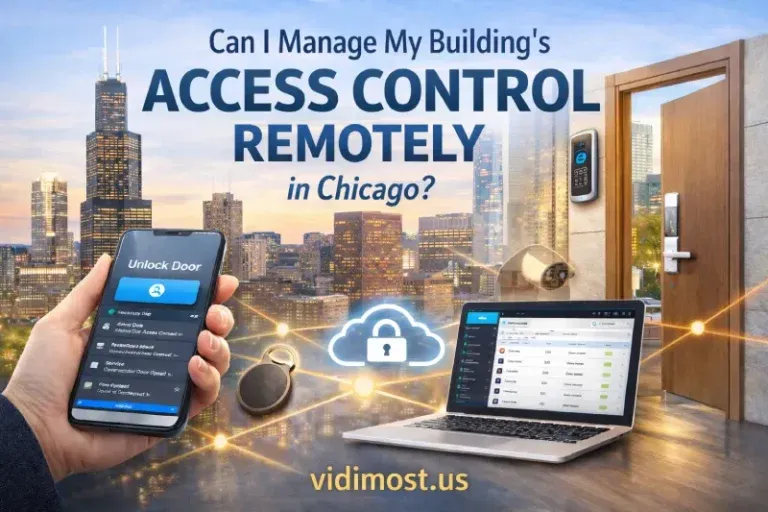
Yes — modern access control systems allow full remote management, and for today’s buildings this capability is no longer optional. Cloud-based and properly configured hybrid access control systems let property owners and managers log in from anywhere in the world to manage users, revoke access, and even unlock doors remotely using a secure web interface or mobile app.
This flexibility is especially important for commercial and multi-family buildings in Chicago, where property managers are often responsible for multiple sites and are not physically present every day.
How Remote Access Control Works
In modern systems, access control panels installed in the building are connected to the internet. This connection allows secure remote access through:
- A web-based dashboard
- A mobile application
- Or a secure remote connection to a local management computer
Once connected, you can manage the entire system as if you were on-site — without driving to the building.
What You Can Do Remotely
Add or Remove Users Instantly
You can add new residents, employees, or contractors in seconds. If someone moves out or loses a key fob, access can be revoked immediately, preventing unauthorized entry.
Unlock Doors from Anywhere
A very common real-world scenario:
A property manager is on vacation, but a contractor needs access to a mechanical room.
With remote access control, the door can be unlocked instantly from a phone or laptop — no delay, no emergency site visit.
Manage Schedules and Permissions
Access can be limited by:
- Time of day
- Day of the week
- Specific doors or areas
All changes apply in real time.
Monitor Activity and Logs
You can review access history remotely to see:
- Who entered
- Which door was used
- At what time
This improves accountability and overall building security.
Cloud-Based vs. Local Systems — What’s the Difference?
Remote vs. Local Access — Brand Comparison
Cloud-Native Access Control Systems
Some access control platforms are designed from the ground up as cloud systems. A well-known example is Brivo, which can be managed from anywhere in the world — whether you are across Chicago or on another continent.
Cloud systems typically offer:
- Native web and mobile access
- No on-site server to maintain
- Faster response in emergencies
- Excellent support for multi-site management
These systems are ideal for property managers who travel frequently or manage multiple buildings.
Traditional Local Access Control Systems
Many buildings in Chicago still use local (on-premise) access control systems. These systems usually run on a dedicated computer or server inside the building.
While they are not cloud-native, remote management is still possible through:
- Secure VPN connections
- Remote Desktop access to the site computer
Using this approach, a manager can perform almost all necessary actions remotely. The main difference is convenience — it works well, but it is not as simple or fast as a true cloud-based system and requires proper network security configuration.
Why Remote Access Control Is Critical for Chicago Multi-Family Buildings
In multi-family residential buildings, remote access control is not just convenient — it is critical for safety and operations.
In practice:
- Management is often not on-site
- Buildings operate 24/7
- Residents frequently lose key fobs
- Contractors and emergency services may need urgent access
Remote access control allows management to:
- Immediately disable lost or stolen fobs
- React quickly to security incidents
- Grant temporary access without delays
- Avoid unnecessary emergency site visits
In dense urban environments like Chicago, even a short delay can create security risks or resident dissatisfaction. Being able to act instantly — from anywhere — makes a real difference.
Security and Reliability
Modern access control systems use:
- Encrypted connections
- Role-based permissions
- Secure authentication
Even if the internet connection is temporarily lost, professional systems continue operating locally and synchronize once connectivity is restored.
Professional Design Makes Any Solution Possible
When access control systems are designed and configured by professionals, almost any challenge can be solved — whether the system is cloud-based, local, or hybrid.
At Vidimost, we provide:
- Design and engineering of new access control systems
- Upgrades and modernization of existing systems
- Secure remote access configuration
- Cloud migrations and hybrid solutions
- Support for multi-family, commercial, and multi-site properties
Whether you manage a single building or an entire portfolio across Chicago and the suburbs, we ensure your access control system is secure, flexible, and easy to manage — anytime, anywhere.
Learn more at https://vidimost.us
Short FAQ — Remote Access Control in Chicago
Can I manage access control remotely from my phone?
Yes. Most modern cloud and hybrid systems allow full management through a mobile app or secure web browser.
Is remote access control safe?
When installed and configured professionally, remote access control is very secure, using encryption, authentication, and permission-based access.
Can lost key fobs be disabled immediately?
Yes. This is one of the most important benefits for Chicago apartment buildings — lost or stolen fobs can be blocked instantly.
Do I need to replace my existing system to manage it remotely?
Not always. Many local systems can be upgraded or configured for secure remote access without full replacement.
Is cloud access control better for multi-building management?
Yes. Cloud systems are especially effective for managing multiple properties across Chicago and the suburbs from a single dashboard.
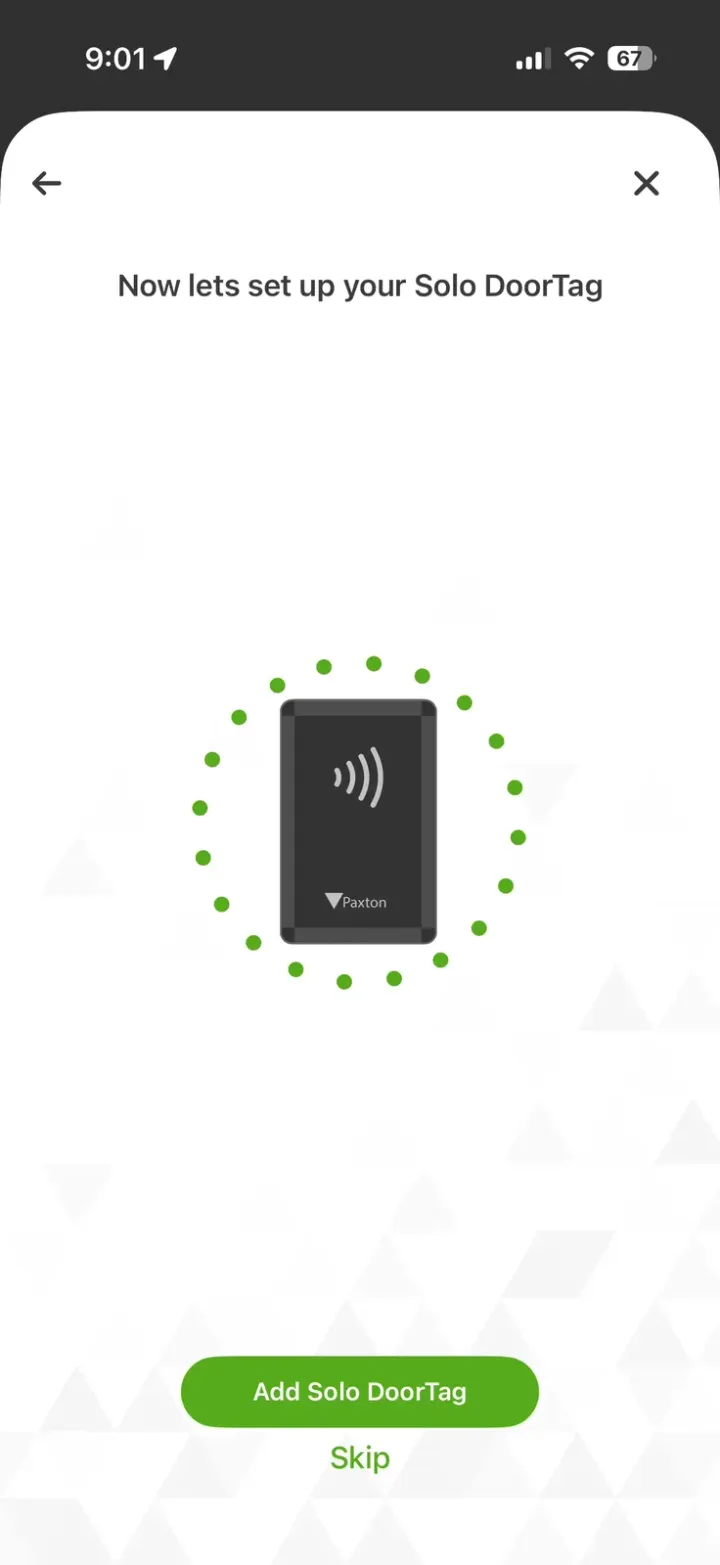
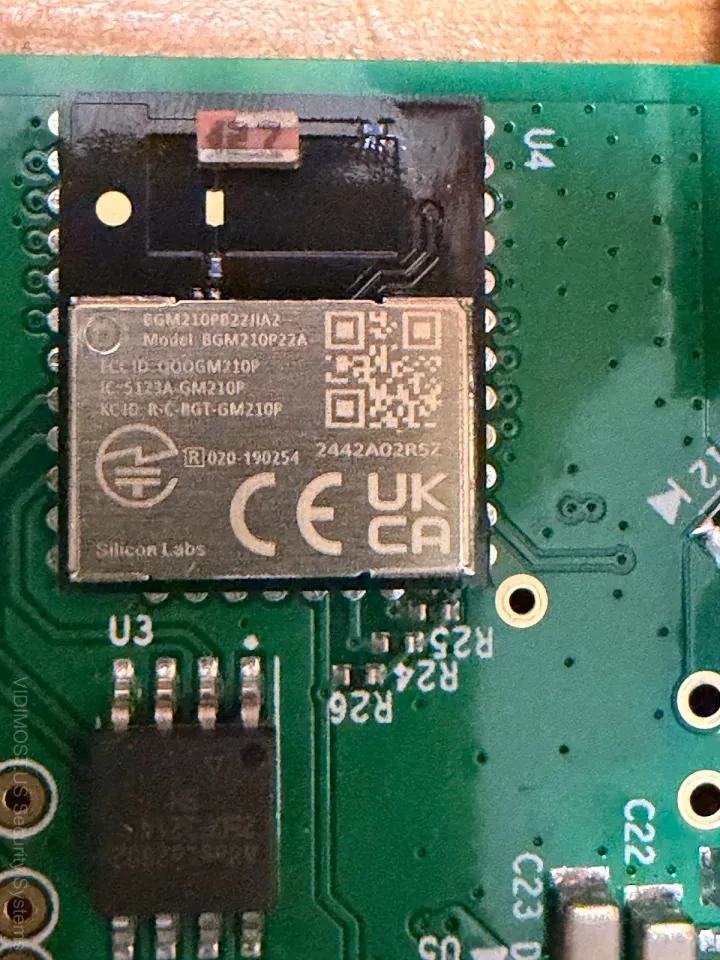
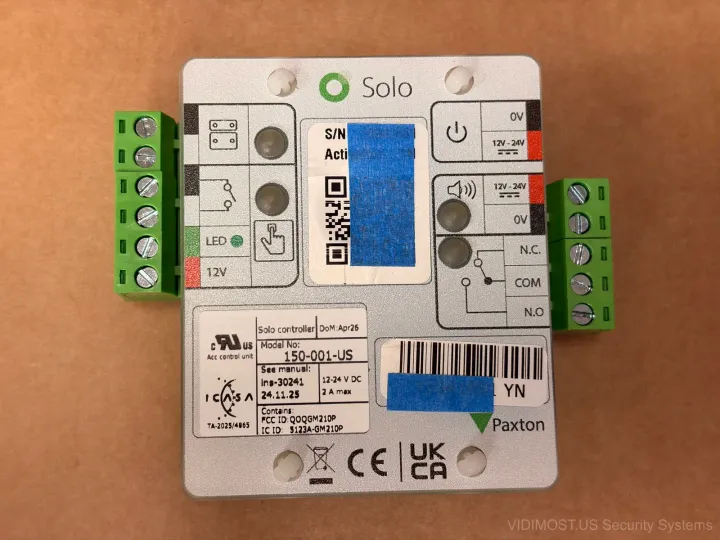
Want reliable remote access control for an HOA/condo, office, or warehouse? We set up clean permissions, audit logs, and multi-site management for Brivo, Paxton, and 2N.
Comments ()