Paxton Net2 v7: An Engineer’s Deep Dive into Upgrades, Dead Batteries, and "Daisy Chains"
Paxton Net2 v7 brings free MFA, but upgrading isn't risk-free. From "dead" batteries on 5+ year old boards to broken API integrations—here is an engineer's field report on how to upgrade safely without crashing your system.

When a major software update like Paxton Net2 v7 drops, the marketing materials usually focus on shiny new features. But as an engineer who maintains hundreds of access control systems across Chicago, I look at different metrics: stability, hardware compatibility, and the risk of downtime.
Let’s be honest: Paxton is a unique company. The first Net2 controllers hit the market over two decades ago. The fact that in 2026, this manufacturer releases a major software overhaul that is free of charge and continues to support Net2 Plus controllers installed 10+ years ago is incredible. In a world where every other tech company tries to force you into a monthly subscription or a hardware refresh, Paxton deserves massive respect for this long-term support.
However, does that mean you should run out and click "Upgrade" today? Not necessarily. Here is the technical reality of v7 that you won't find in the brochures.
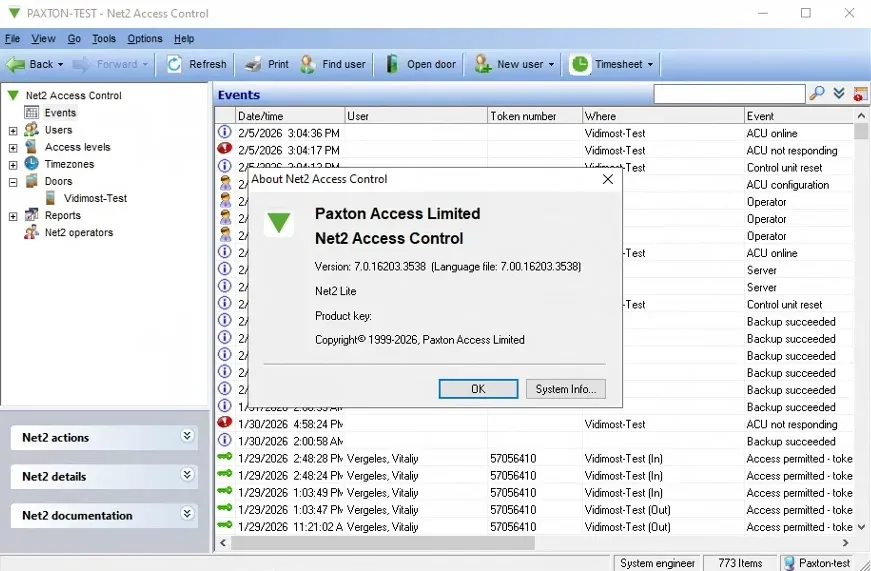
1. The "If It Ain't Broke" Rule (v6.9 vs. v7)
Upgrading to v7 is recommended, but it is not critical. The previous version, v6.9, is incredibly stable. If your access control server is sitting on a secure local LAN (or air-gapped), has no port forwarding to the outside world, and you don’t strictly require Multi-Factor Authentication (MFA), you can safely stay on v6.9 for years.
At Vidimost LLC, we advise our clients: If your security threat model doesn’t demand MFA, stability trumps novelty. Don't fix what isn't broken.
2. The Firmware Surprise (v6.01)
One of the biggest fears during an access control upgrade is "bricking" the controllers during a firmware flash. There is good news in v7: The firmware for the controllers themselves remains on v6.01.
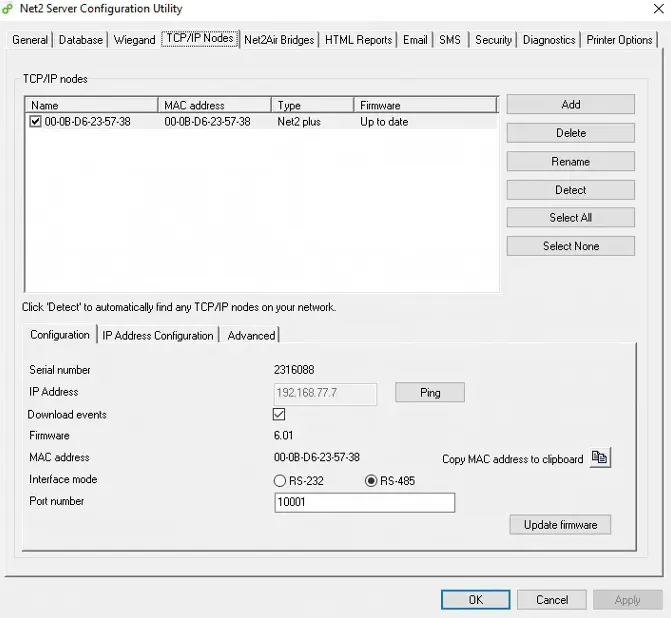
This means that when you update the server software, it isn't trying to force a massive code rewrite onto every single board on your network. This significantly reduces the risk of controllers hanging or failing during the update process.
3. The "Daisy Chain" (RS-485) Headache
In many Chicago high-rises and apartment complexes, Net2 controllers are wired in a "Daisy Chain" using the RS-485 protocol. The Problem: RS-485 is robust, but slow. If you have a chain of 20+ doors and just one controller has a corroded wire or is slightly glitching, it can jam the data transmission for the entire line.
Updating configuration data across a long daisy chain is a tricky process. If you attempt this during "rush hour" (8:00 AM or 5:00 PM) when residents are constantly scanning fobs, data packets will collide, and the update may hang.
- Pro Tip: We only schedule these updates during lowest-traffic windows, and we verify the integrity of the RS-485 loop resistance before we even touch the software.
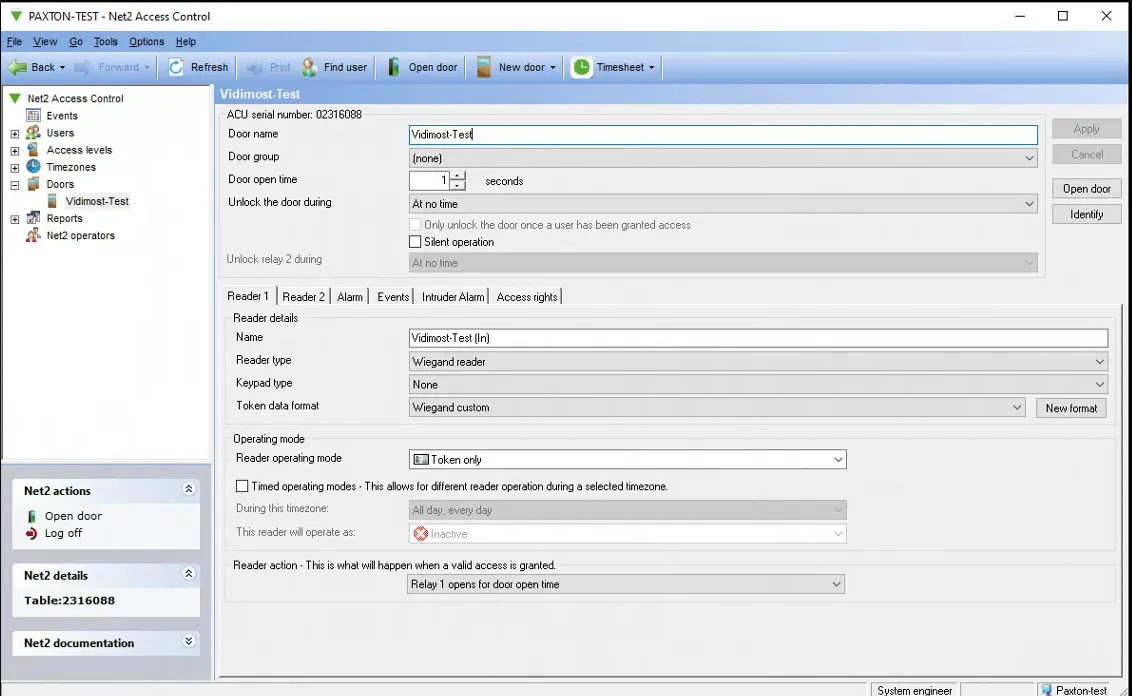
4. Hardware Reality: The "Memory Battery" Issue
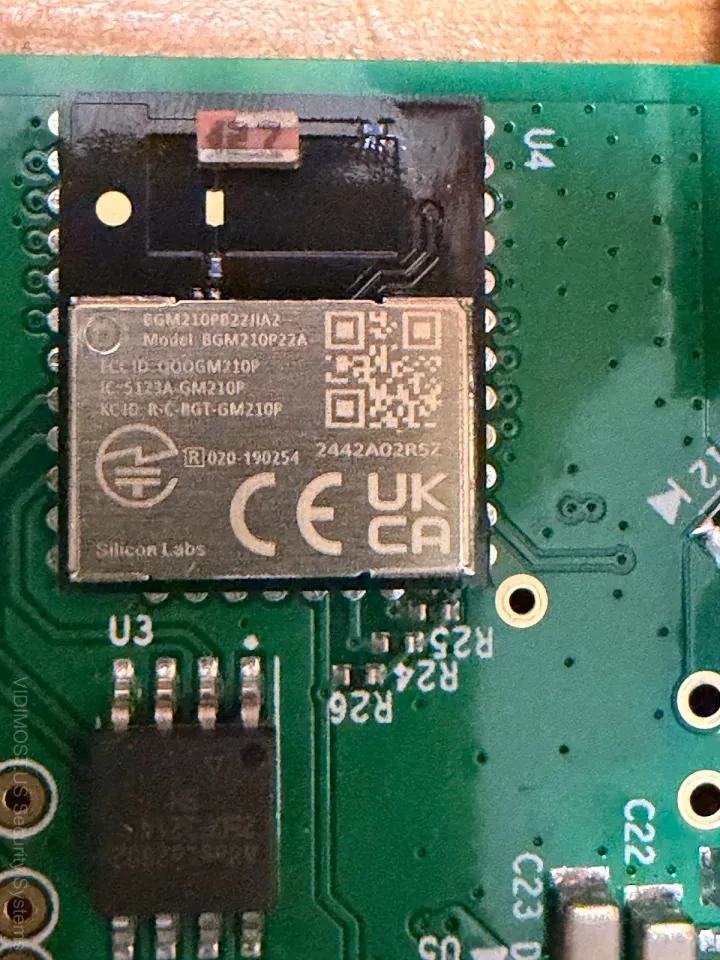
This is a nuance known only to those who repair boards at the component level. Net2 Plus boards contain a small, soldered rechargeable battery (usually VARTA). Its job is to keep the Real Time Clock (RTC) and event memory alive if main power is cut.
The Issue: On controllers that are 5+ years old, these batteries often fail or leak. The Symptoms:
- When power flickers, the door "forgets" what time it is (breaking time zones).
- The controller fails to come back online after the reboot required by the v7 update.
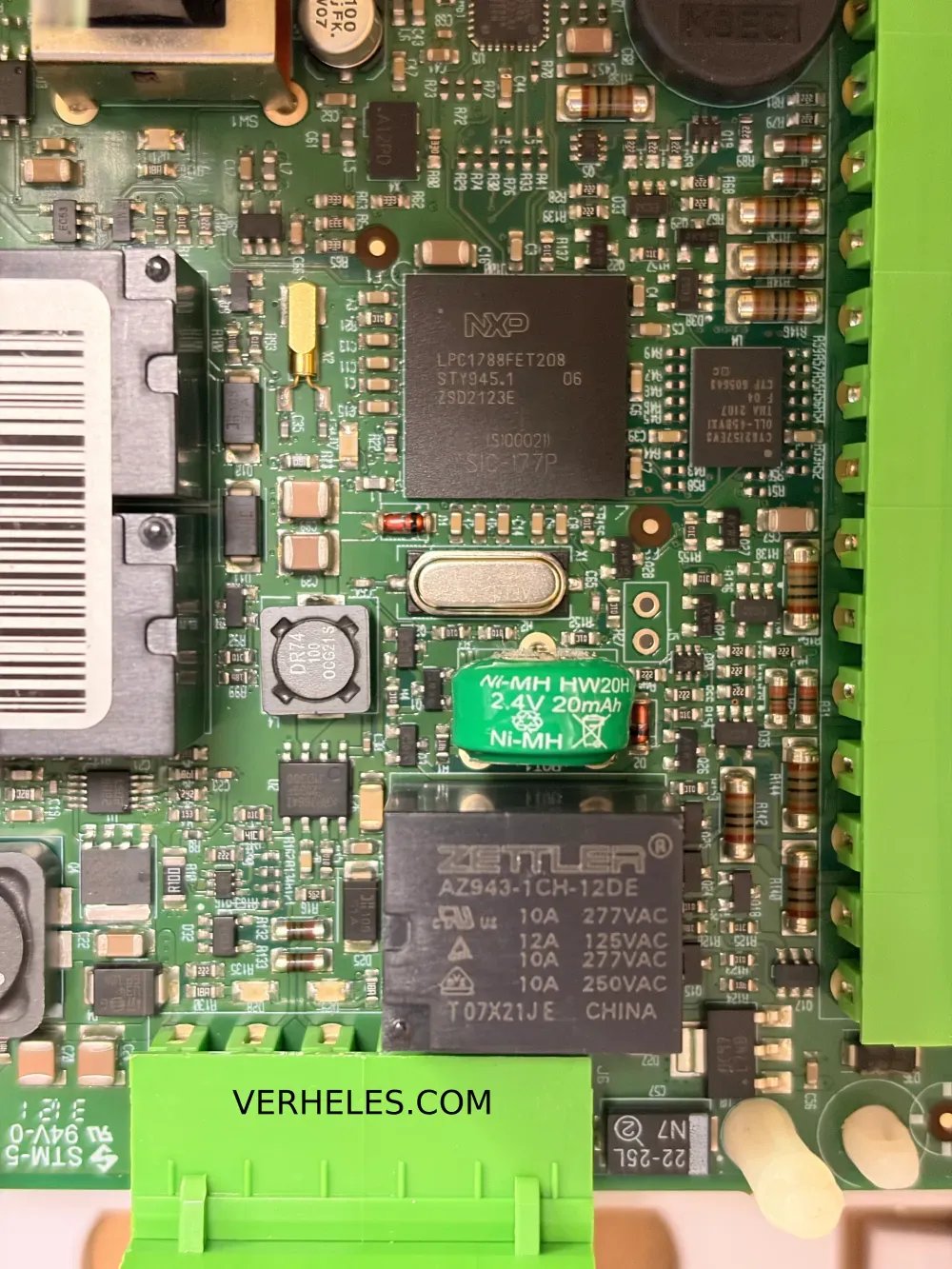
While enthusiasts might try to unsolder and replace this battery, for our business clients, we always recommend replacing the controller. Relying on a hand-repaired PCB for building security is a risk we do not take.
5. The Software Environment: Status Quo
Paxton kept things familiar, which is a good thing:
- Platform: Windows only. No Linux support.
- Interface: Visually, v7 is identical to v6. All menus are where you expect them. Your operators do not need retraining.
- Paxton10: Remember, Net2 v7 does not support Paxton10 hardware. They are separate platforms. Do not try to merge them.
6. The Danger Zone: APIs & Integrations
Warning: Updating to v7 will break almost 100% of legacy integrations. Paxton has retired the old SDK. If you have:
- Visitor Management Kiosks
- Time & Attendance syncing
- Custom Active Directory scripts
...they will likely stop working immediately after the update. You must migrate to the new Web API. If you are unsure if your system relies on these integrations, do not upgrade yourself. Call a specialist to audit the system first.
7. The Final Step: The Power Cycle
Software reboots are good; hardware reboots are better. After a successful software update, we recommend performing a physical Power Cycle on the controllers. Disconnect power (both PoE and the backup battery) for 15 seconds, then reconnect. This clears the board's cache, resets the network stack, and often clears up "ghost" issues that a simple software restart misses.
Conclusion
Paxton Net2 v7 is a quality product that brings modern security to legacy hardware for free. But it is not an update you should deploy on a Friday afternoon.
Aging batteries, finicky RS-485 data lines, and broken APIs can turn a 15-minute update into an all-nighter.
If your building in Chicago or the North Shore needs an audit before upgrading, or if you have old controllers acting up, contact Vidimost LLC. We know how to keep these workhorses running for the long haul.
Can I upgrade to Net2 v7 in my Schaumburg office?
Yes, provided you do not have old "Net2 Classic" (green board) controllers. Many older office parks in Schaumburg still use them. v7 requires Net2 Plus hardware. Contact Vidimost LLC for a hardware audit to ensure compatibility before attempting the update.
Does Net2 v7 support MFA for industrial sites in Itasca?
Absolutely. v7 adds native Multi-Factor Authentication, which is crucial for securing warehouses and logistics hubs in Itasca. It prevents unauthorized access even if a password is shared or stolen. No extra subscription fees are required for this feature.
Will upgrading to v7 break my integrations in Elk Grove Village?
It is a high risk. v7 drops support for the old SDK. If your Elk Grove Village facility uses custom scripts for time & attendance or visitor kiosks, they will stop working. We recommend a full integration audit by Vidimost LLC before you upgrade.
Is Paxton Net2 v7 stable for high-traffic offices in Rosemont?
Yes, v7 is built on the stable Net2 architecture. However, for Rosemont hotels with constant guest traffic, we advise scheduling upgrades during lowest-occupancy hours. Also, ensure your RS-485 wiring is healthy to prevent data lags during the update.
Why won't my Net2 controllers come back online after an update?
This often points to a dead onboard backup battery on older Net2 Plus boards (5+ years old). When the controller reboots during the update, it loses its configuration memory. We see this often in older installations. Physical controller replacement is usually required.
Is the Paxton Net2 v7 upgrade really free?
Yes. Unlike competitors pushing mandatory cloud subscriptions, Paxton v7 software is free for existing Net2 Plus users. You get MFA and security patches without monthly fees. You only pay for the labor of a professional integrator like Vidimost LLC to manage the upgrade safely.
Can I manage Paxton10 cameras with Net2 v7 software?
No. Net2 and Paxton10 are completely separate product lines. Net2 v7 is strictly for access control using Net2 hardware. If you need unified video and access, you would need to migrate to the separate Paxton10 hardware platform.
What Windows version do I need for the Net2 v7 server?
Paxton recommends Windows 11 or Server 2022/2025. Since Windows 10 support is ending soon, the v7 upgrade is the perfect opportunity to replace your aging server hardware to ensure your security system remains secure and compliant.
Comments ()